
Play full screen
Built for phones: it runs full screen and plays more smoothly on your own device.
Scan the QR code to play on your phone
Built for phones: it runs full screen and plays more smoothly on your own device.
Open on this device ↗This demo needs camera access; your browser will ask when it starts. Whether images stay on your device or go to an AI server is stated under "About the demo".
Best on a phone.
About the demo
Tiger AR — scan the statue for a wish
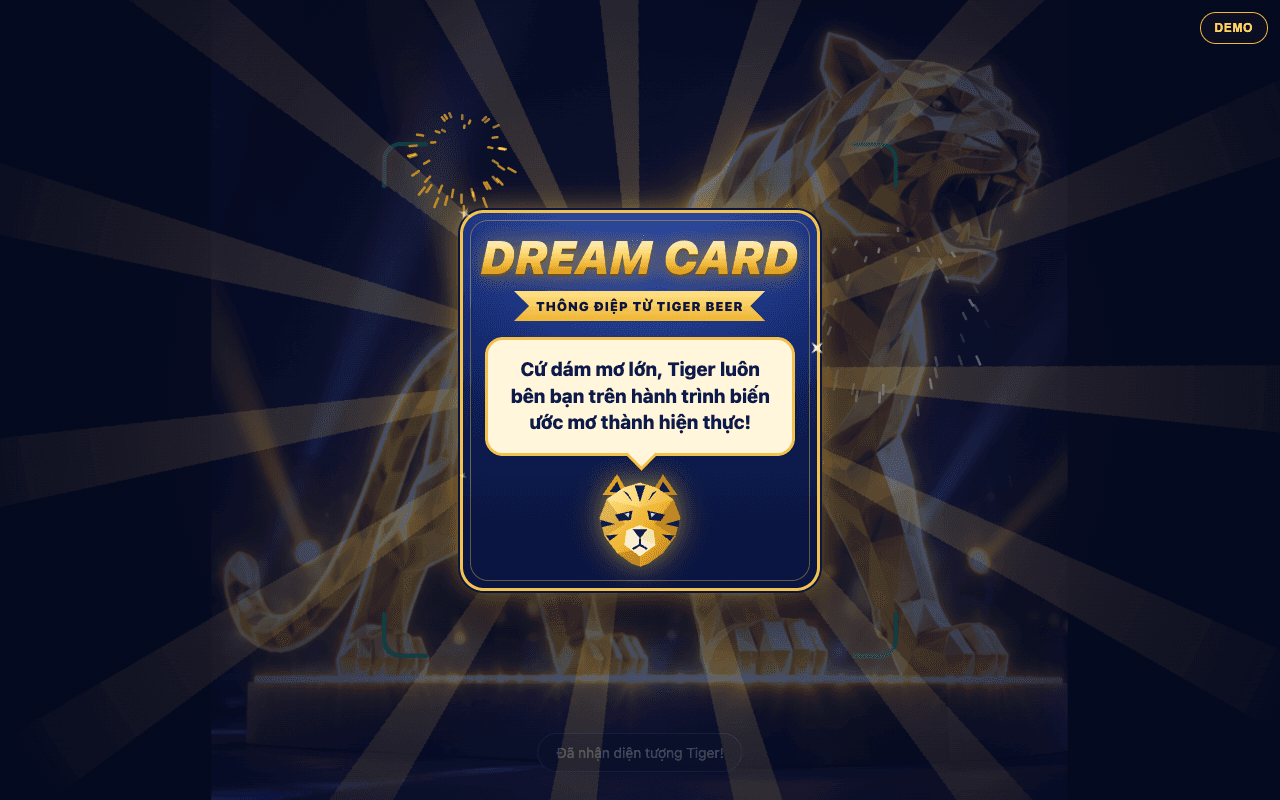
Built for a Tiger event: a glowing gold low-poly tiger statue on stage, with the audience scanning it from all sides with their phones.
- Open in Safari (iPhone) / Chrome (Android) — on a computer, scan the QR code. The first load is about 36–48 MB (AI model).
- When the loader says the recogniser is ready, tap BẮT ĐẦU QUÉT (start scanning) and allow the camera.
- Point the camera at the tiger statue (or a photo of it on another screen) → the wish card appears. The DEMO button previews the effect without the statue.
Recognition uses a MobileCLIP model running in the browser (WebGPU / WASM); no images are uploaded, and people, crowds or stage lights do not trigger it.
Want a version for your brand?
Every demo can be rebuilt around your identity, prizes and hardware. Send a brief and we will propose how.